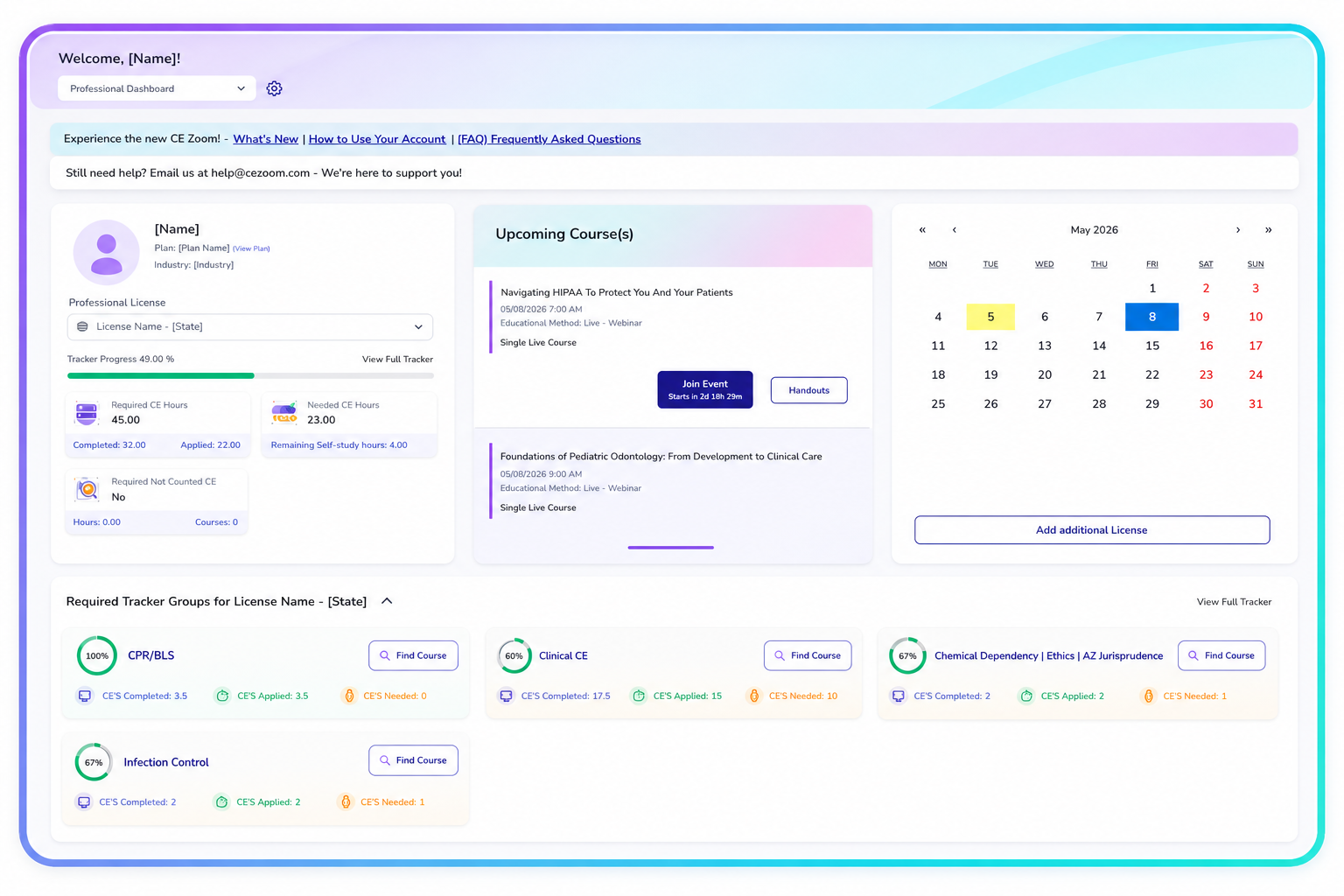
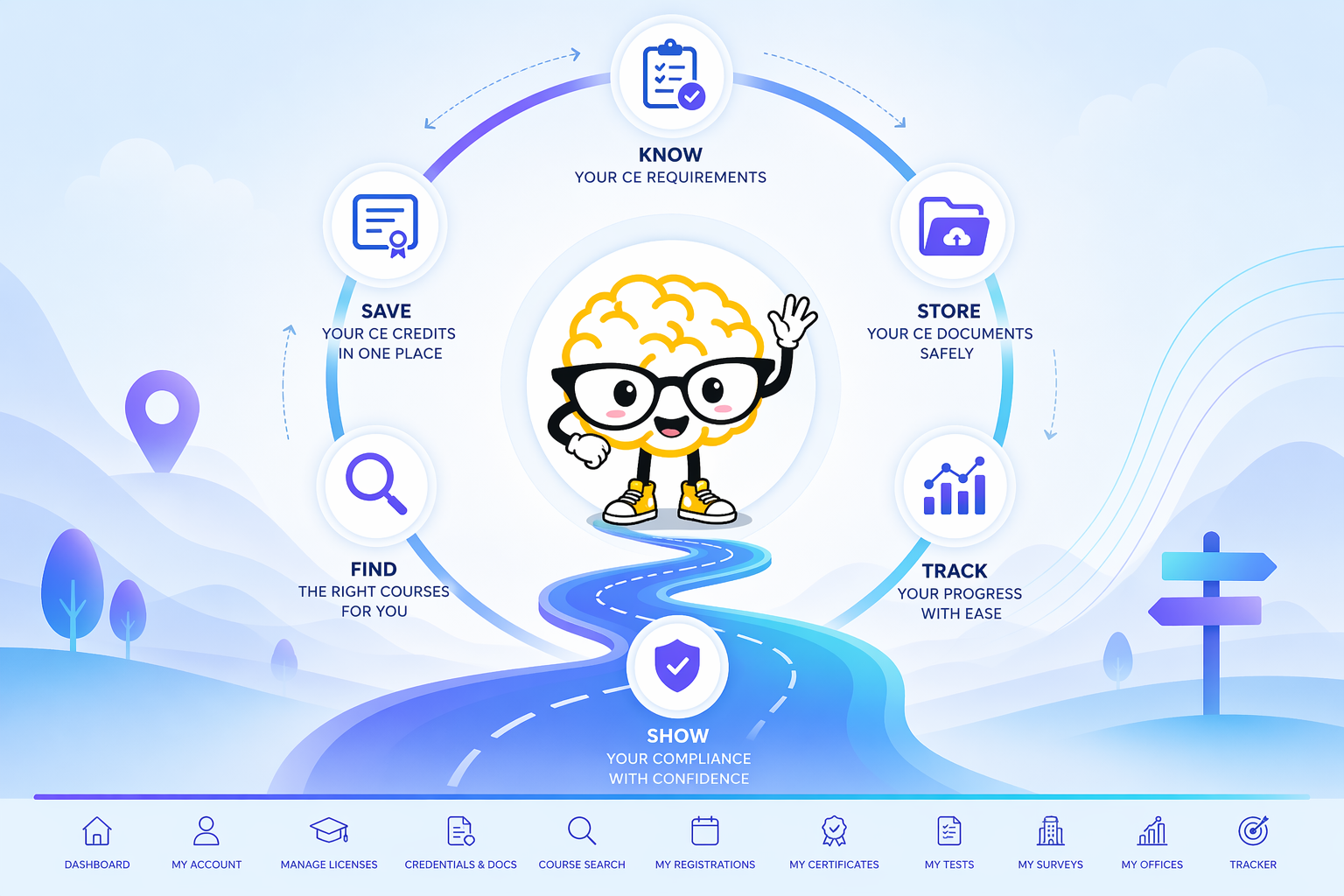
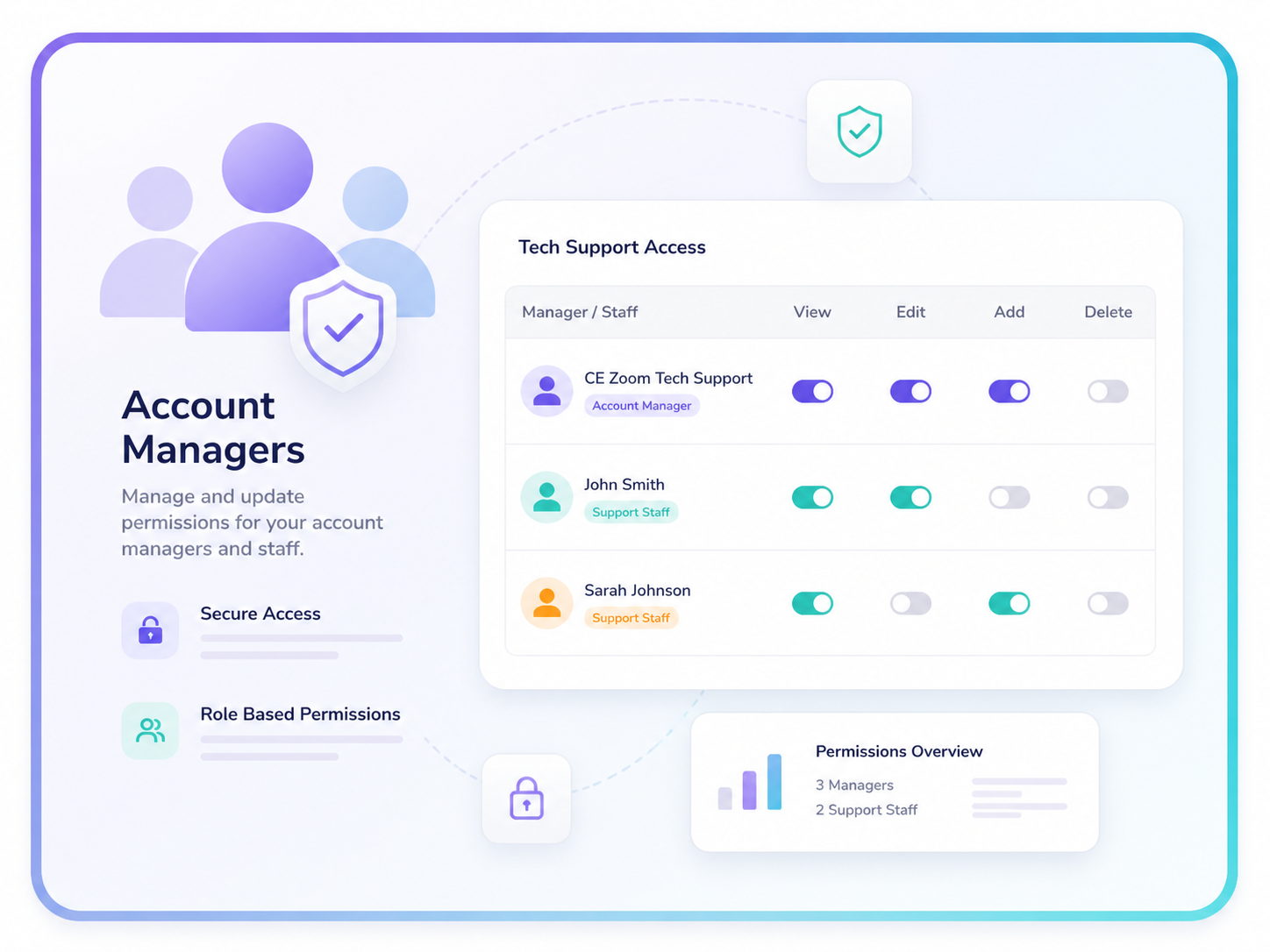
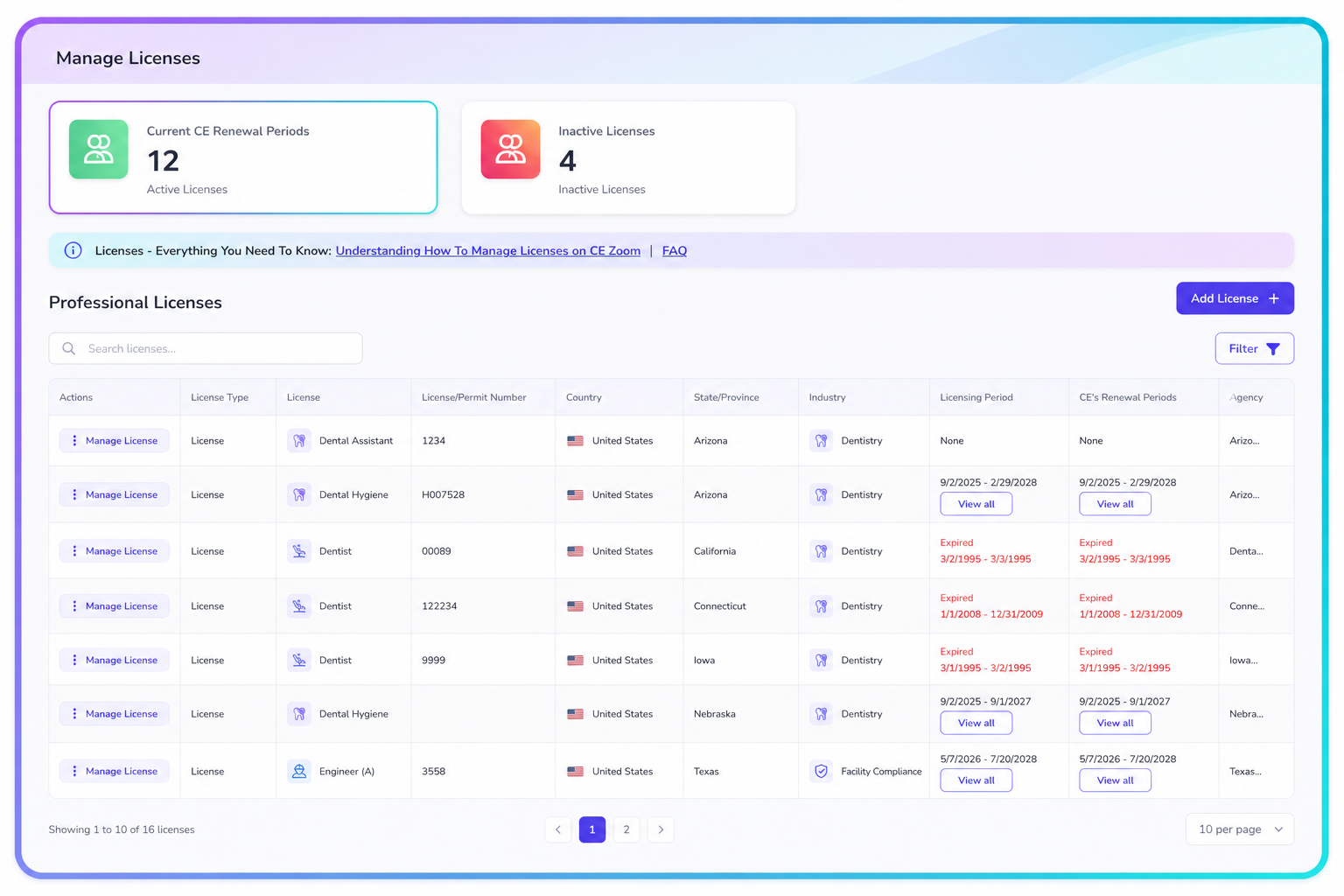
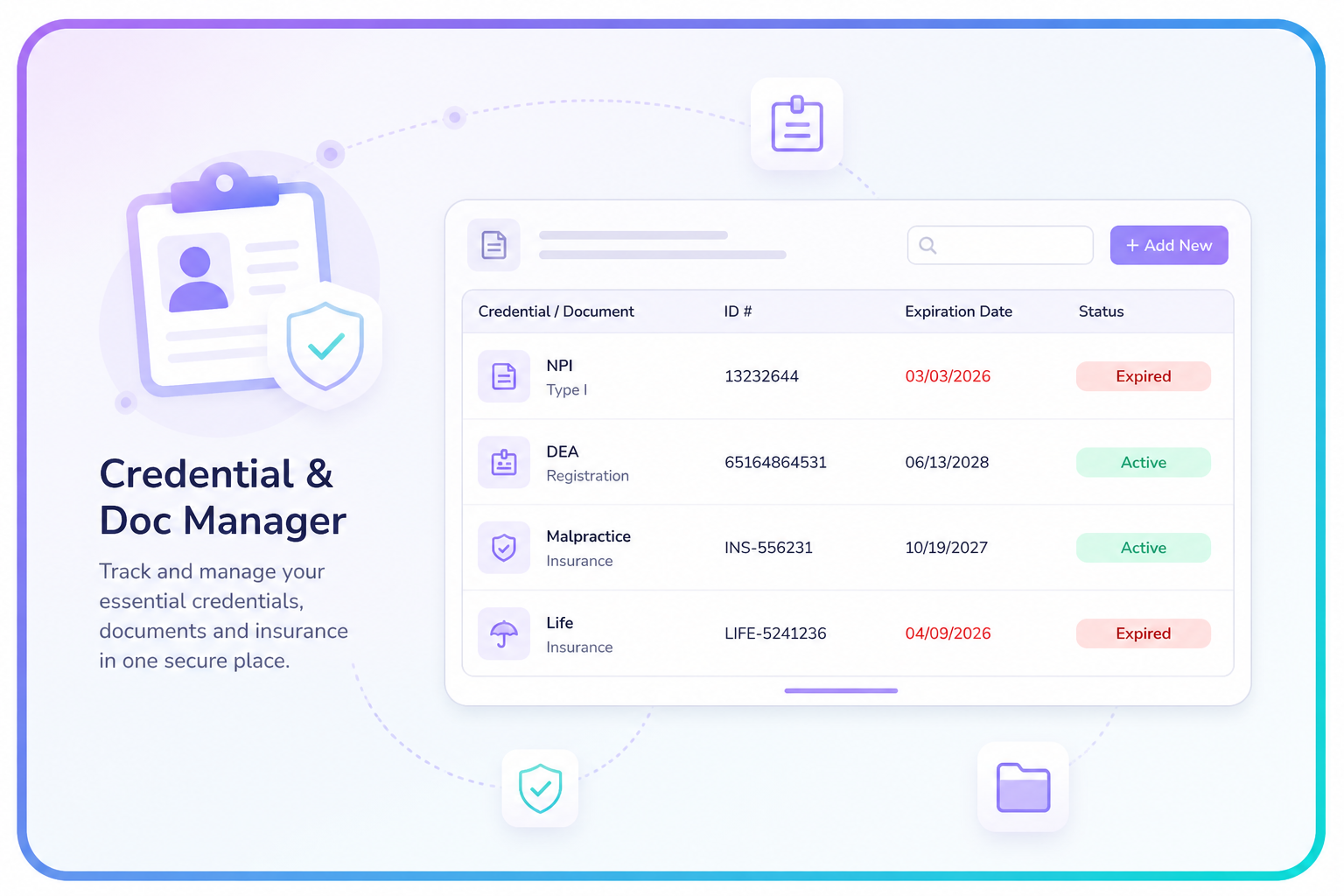
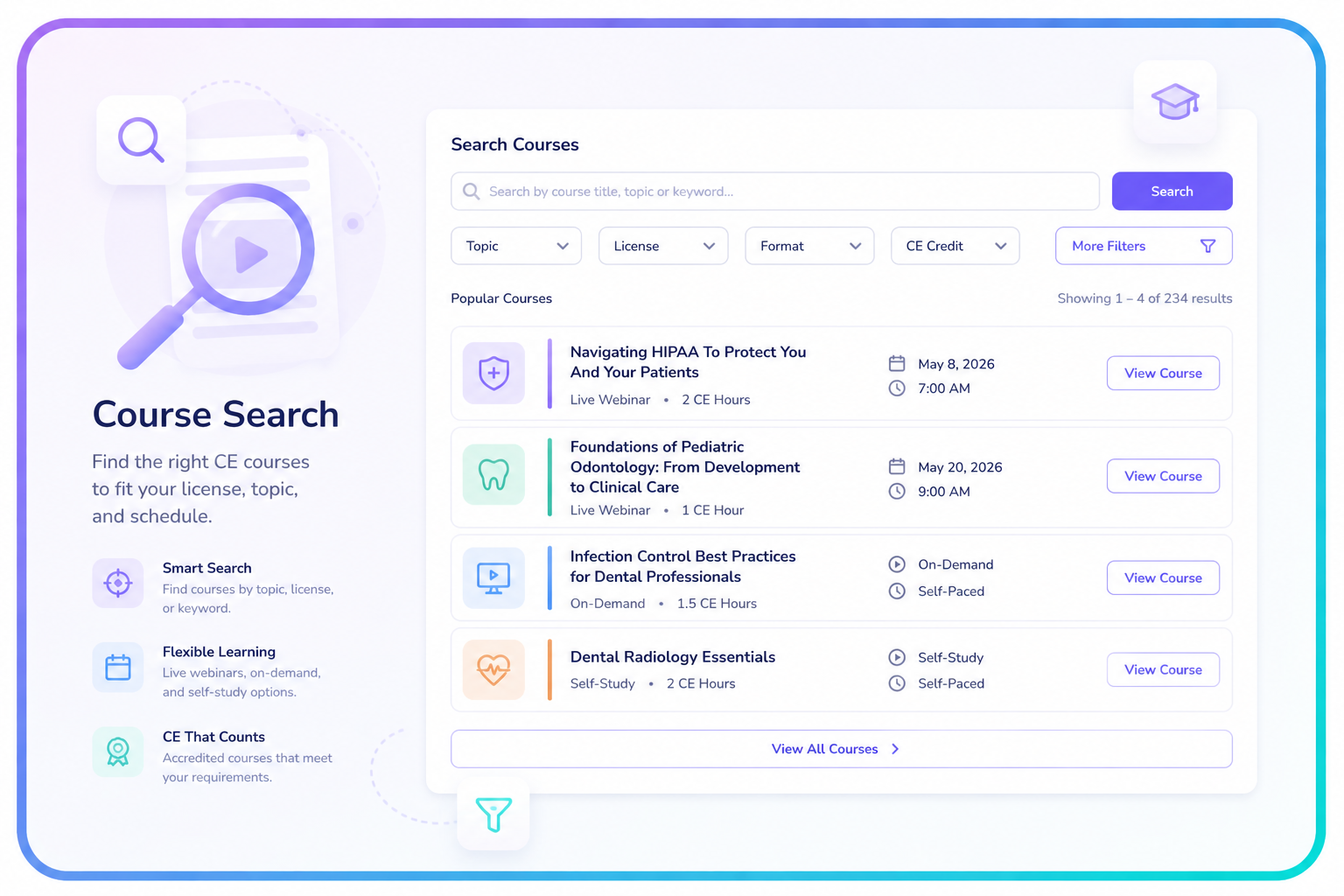
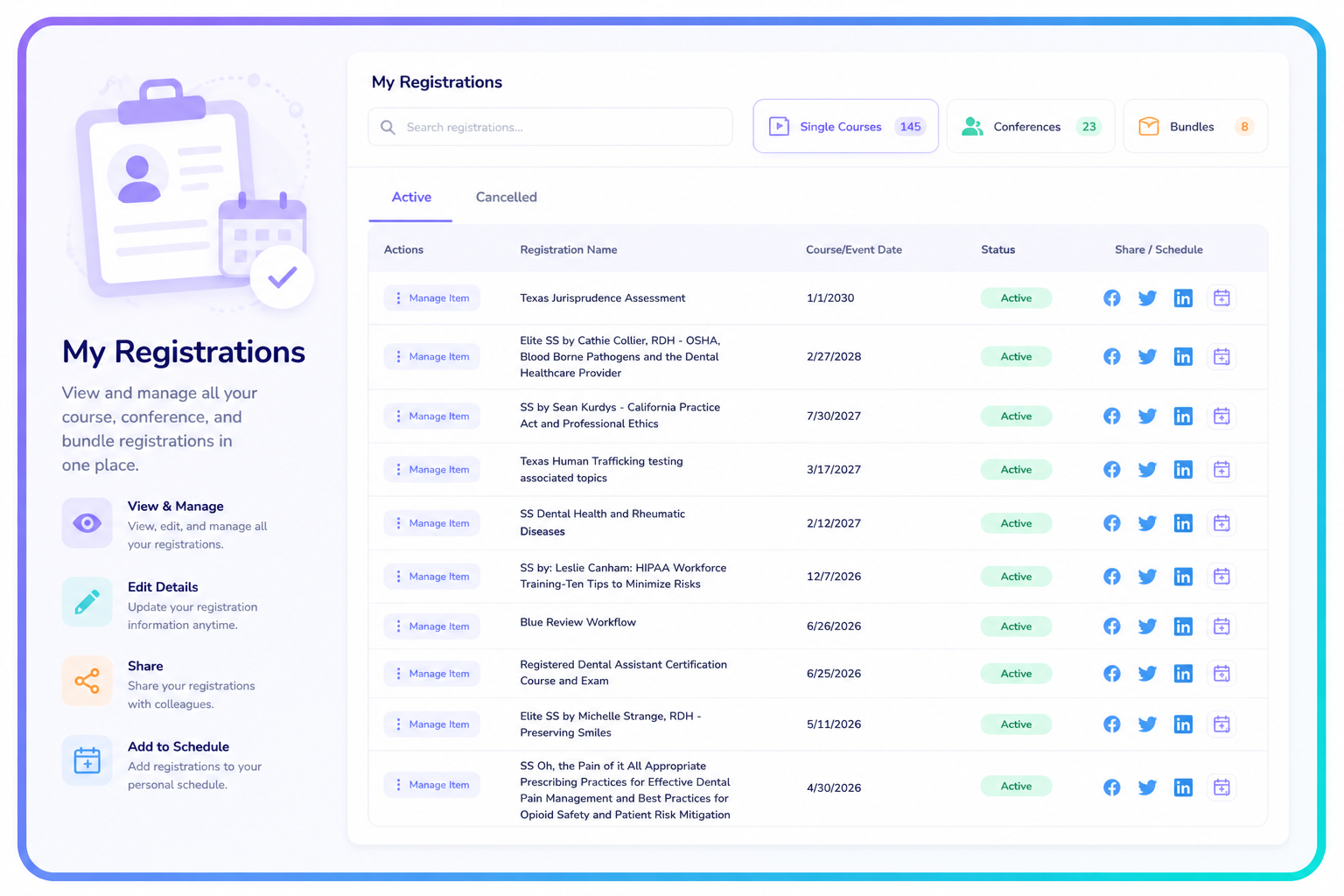
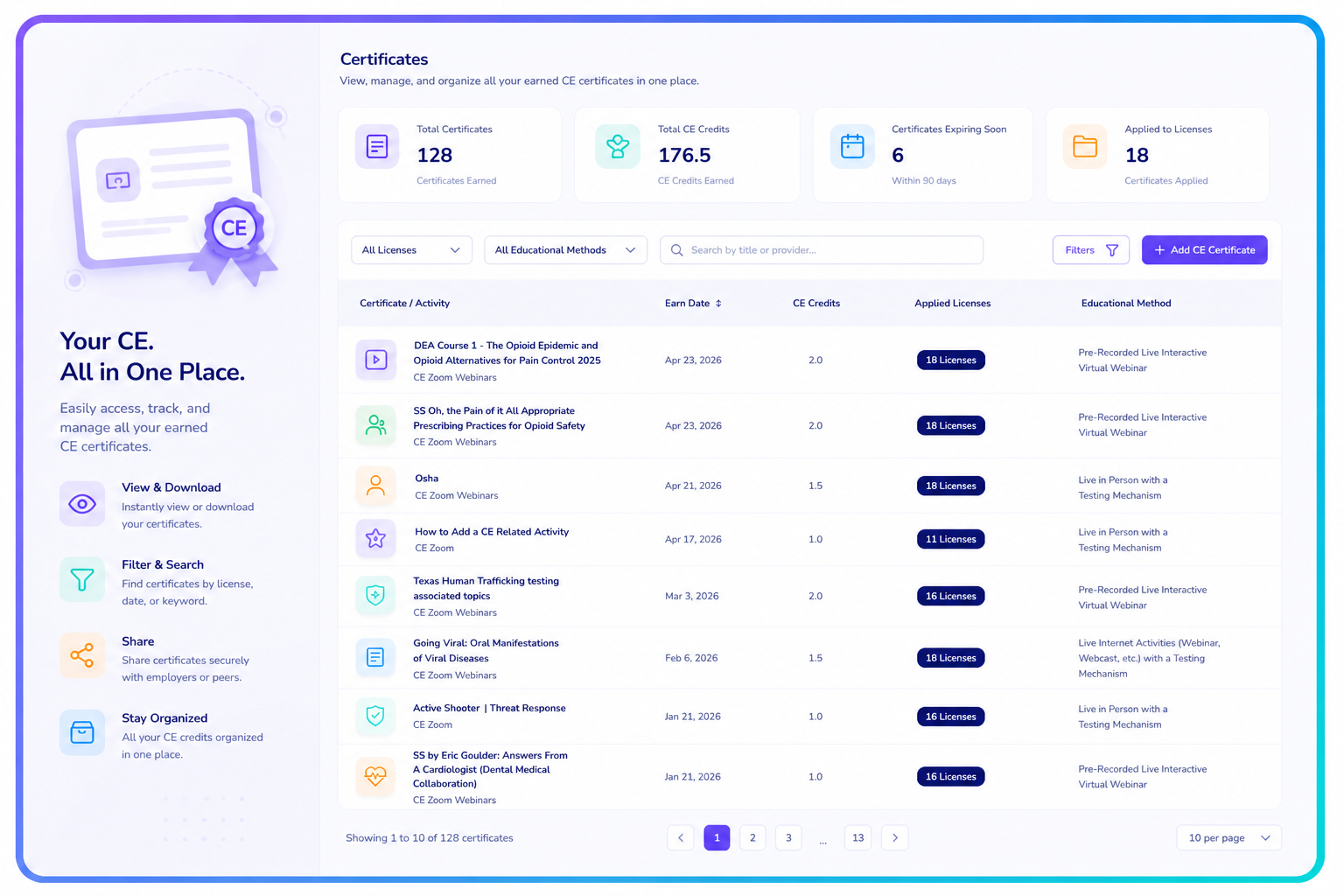
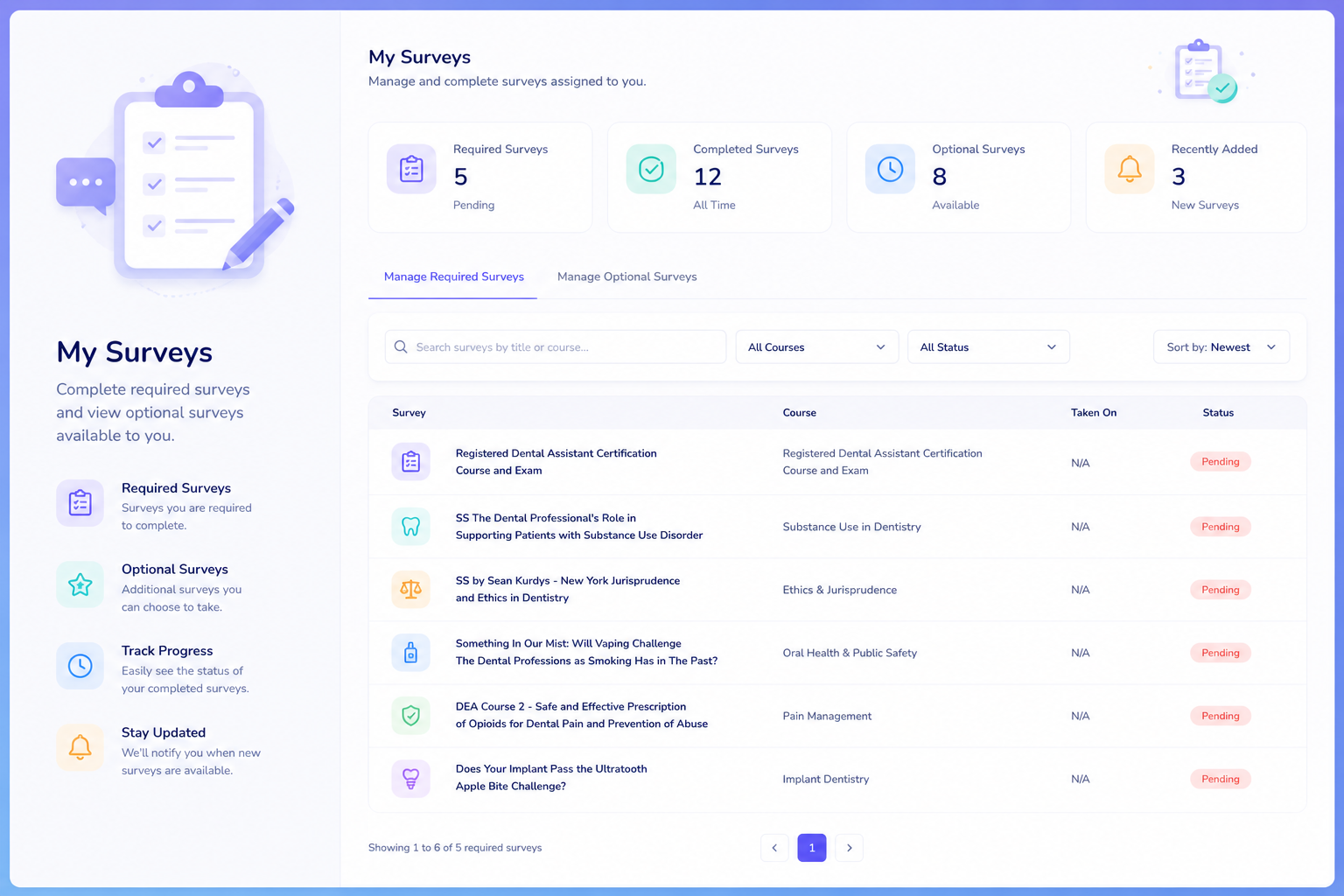
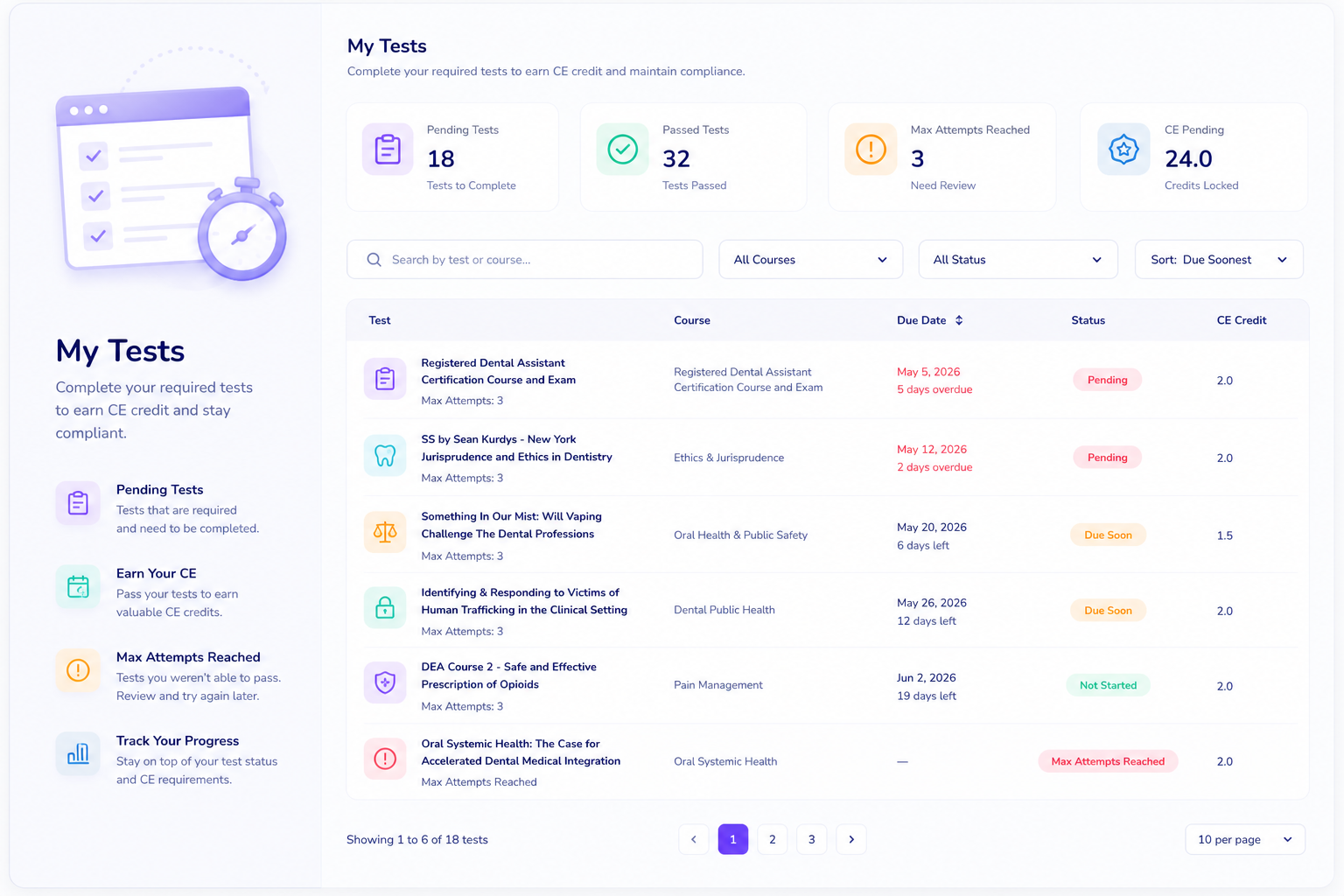
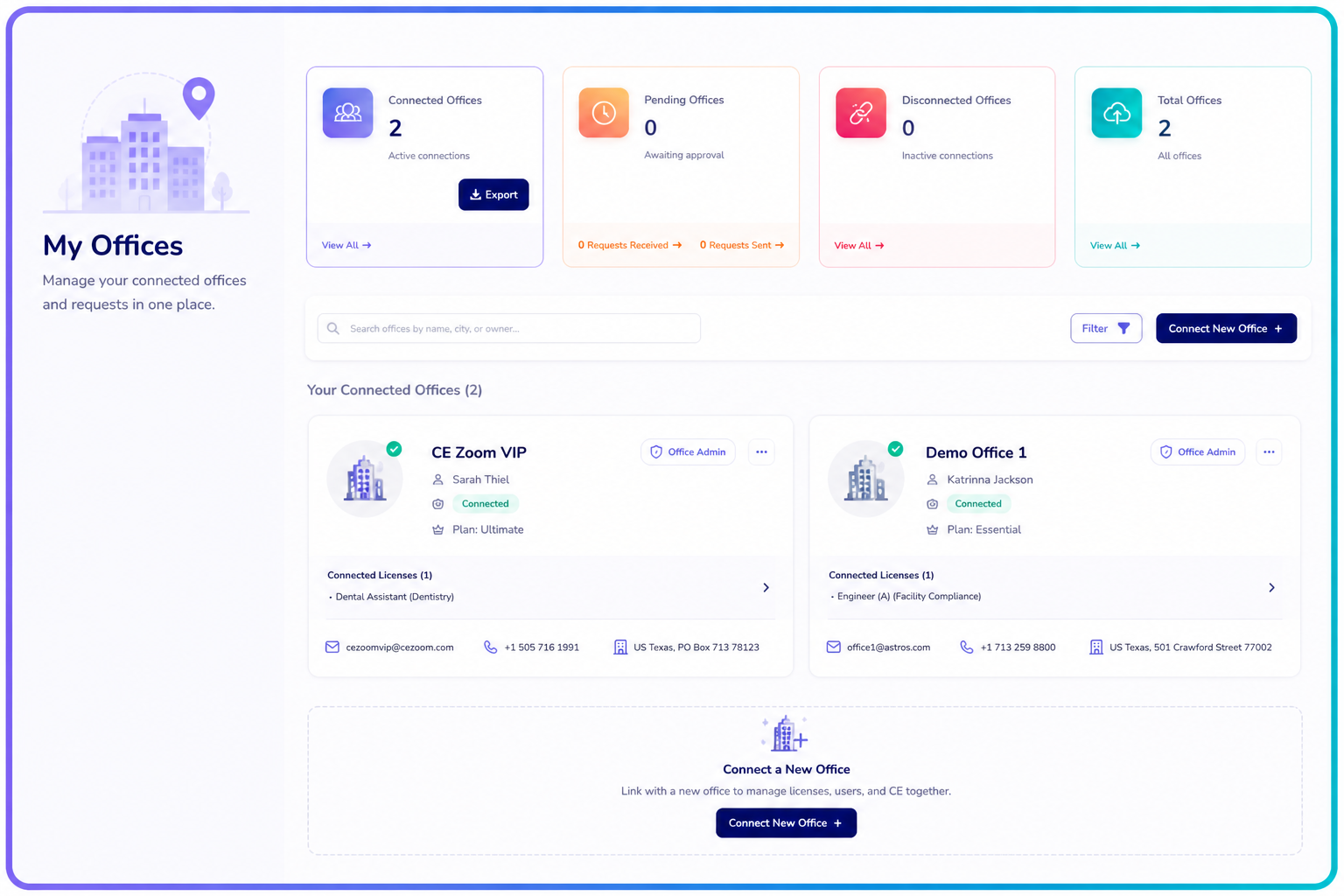
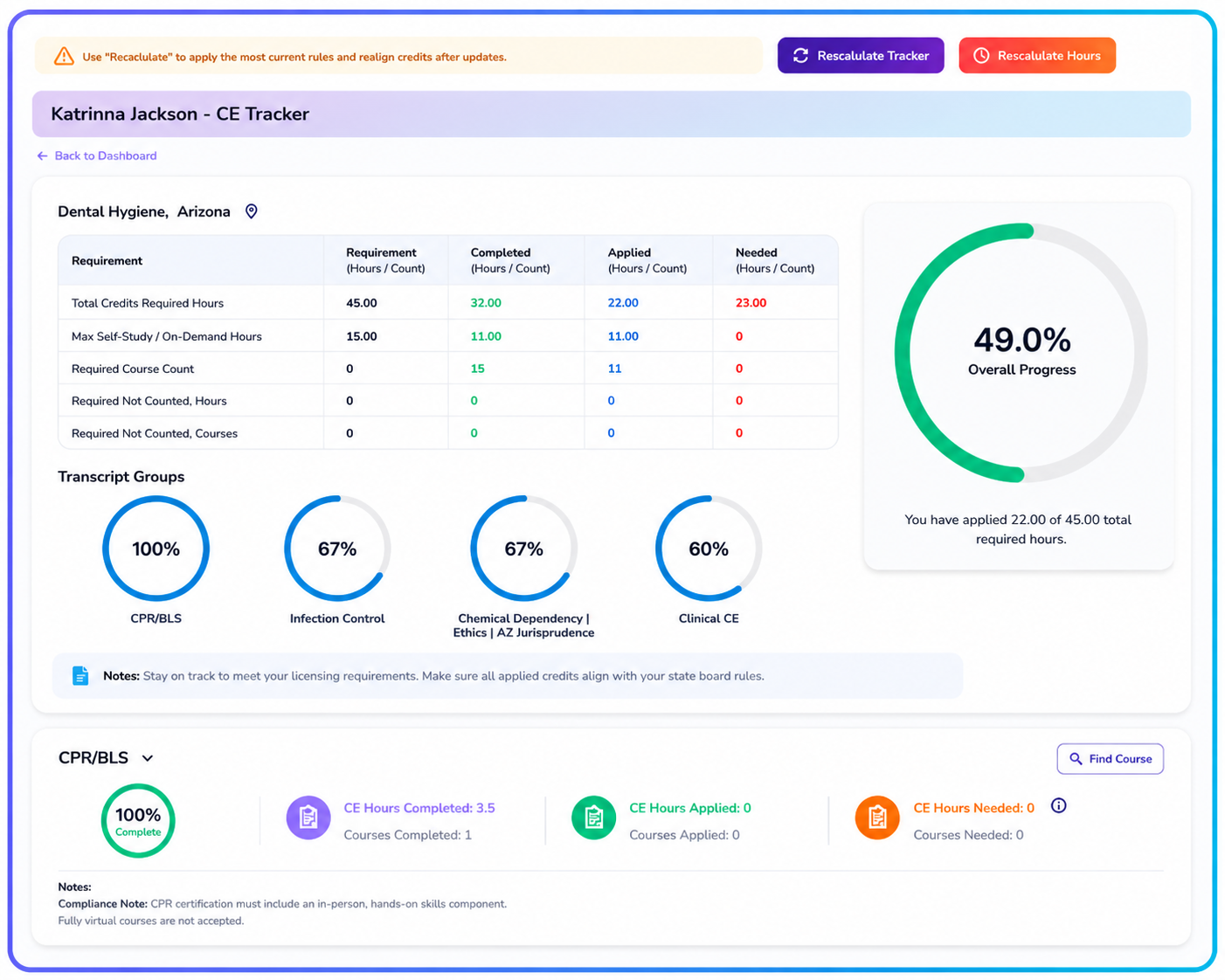
Explore each section of your CE Zoom account through our knowledge base articles and video tutorials to better understand your progress, manage your CE, and stay on track for compliance—step by step.
Select a quick link below to go straight to the section you want to explore.
Navigation-Based WalkthroughA walkthrough that follows the CE Zoom navigation menu, guiding you through each section of your account in the order.
Action-Based “How-Do-I-Do This?” Video Tutorials
These step-by-step tutorials show you exactly how to take action—like registering for a course, verifying your CE, uploading certificates, and more.
Start with the walkthrough to understand the system, then use the how-to tutorials anytime you need help completing a specific task.