How to Verify Using QR Code
CE Zoom Member
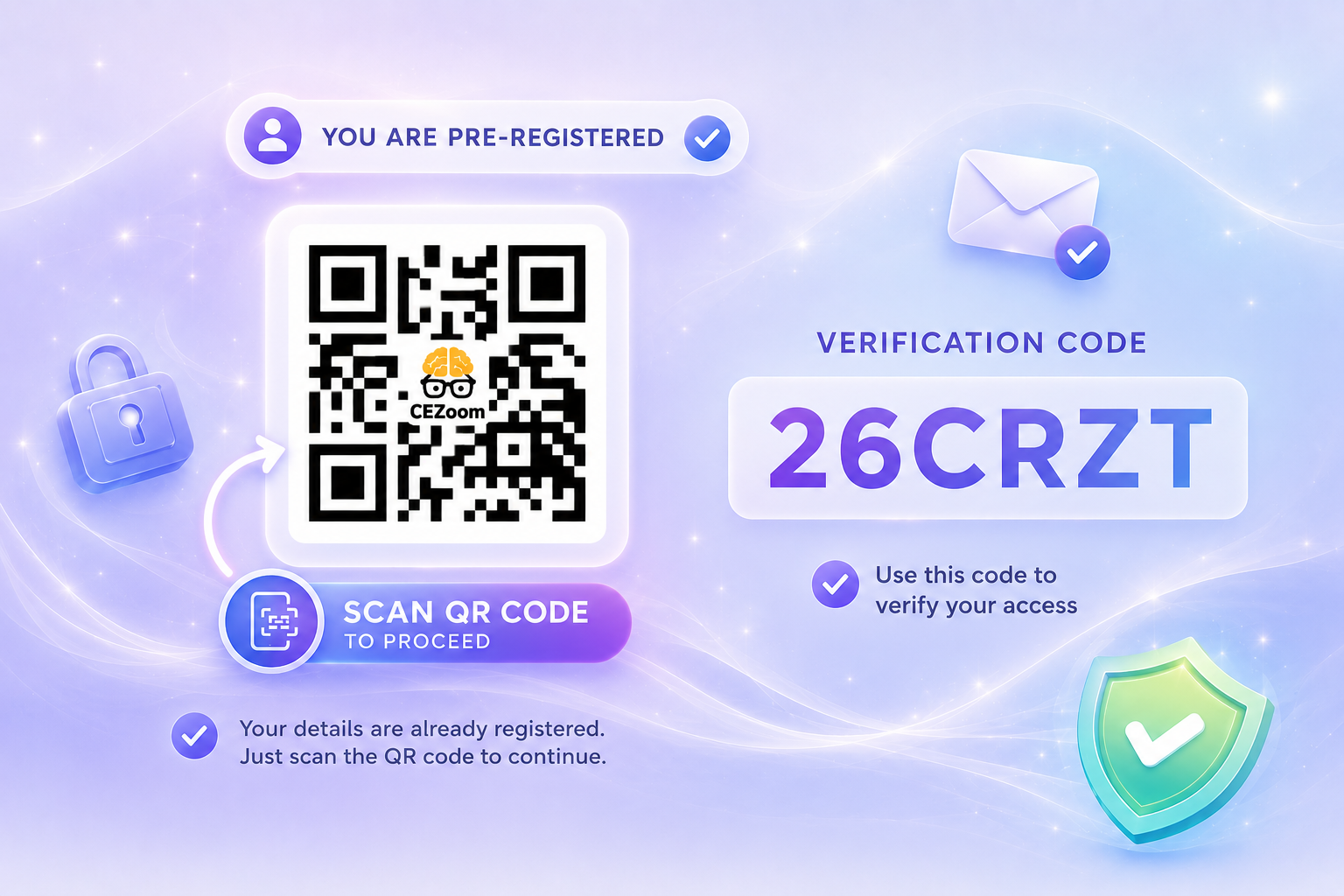
Pre-Registered
Quickly verify your attendance by scanning the QR code and following the guided prompts.

Learn step-by-step how to verify your course attendance and instantly access your CE certificates on the new CE Zoom platform.

Select the verification scenario that best matches your situation to view step-by-step video instructions on how to verify your attendance and claim your CE credit.

CE Zoom Member
Pre-Registered
Quickly verify your attendance by scanning the QR code and following the guided prompts.

CE Zoom Member
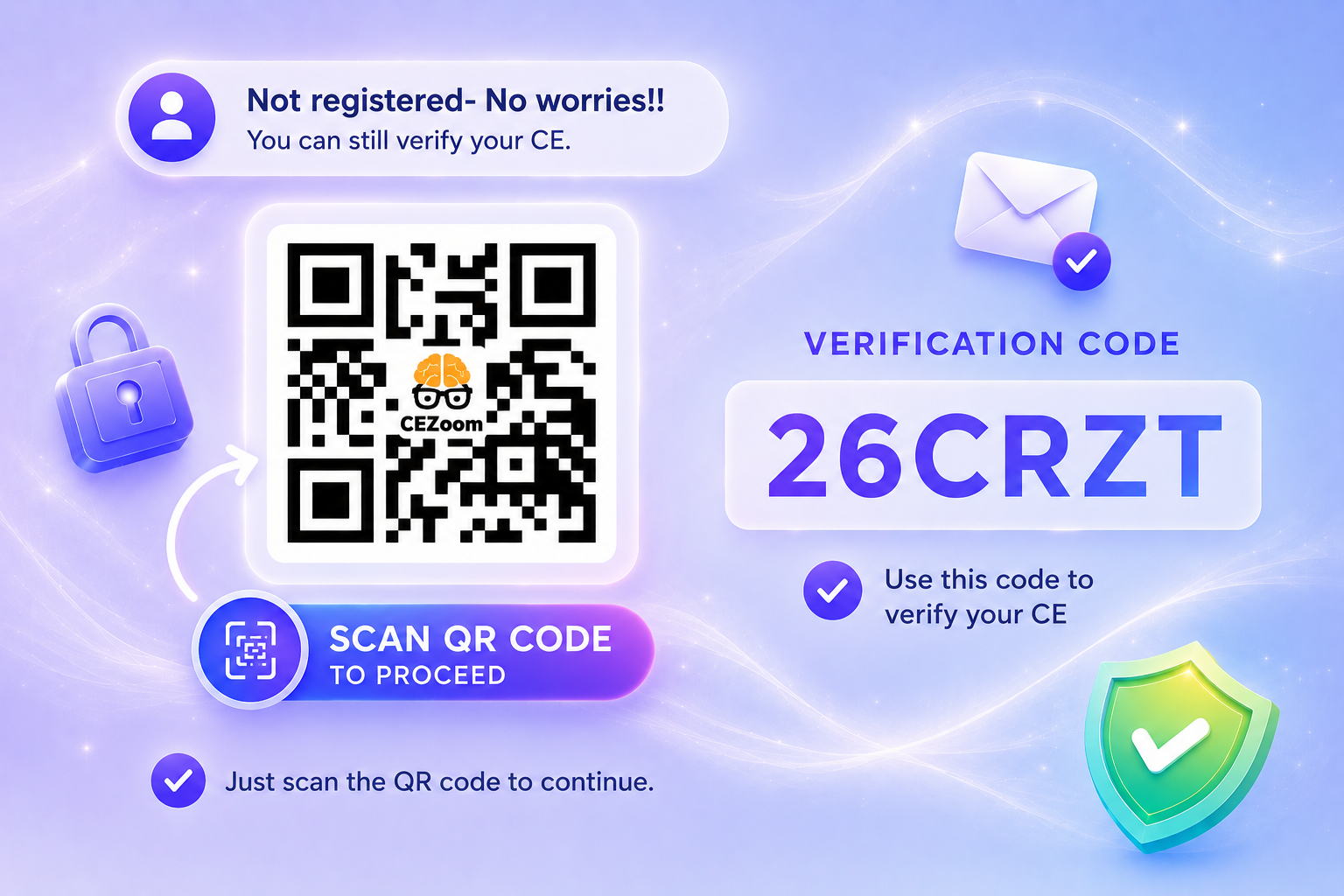
Not pre-registered
No worries. Scan the QR code, complete your registration, and follow the prompts to verify your attendance and claim CE credit.
Not a CE Zoom Member
Not pre-registered
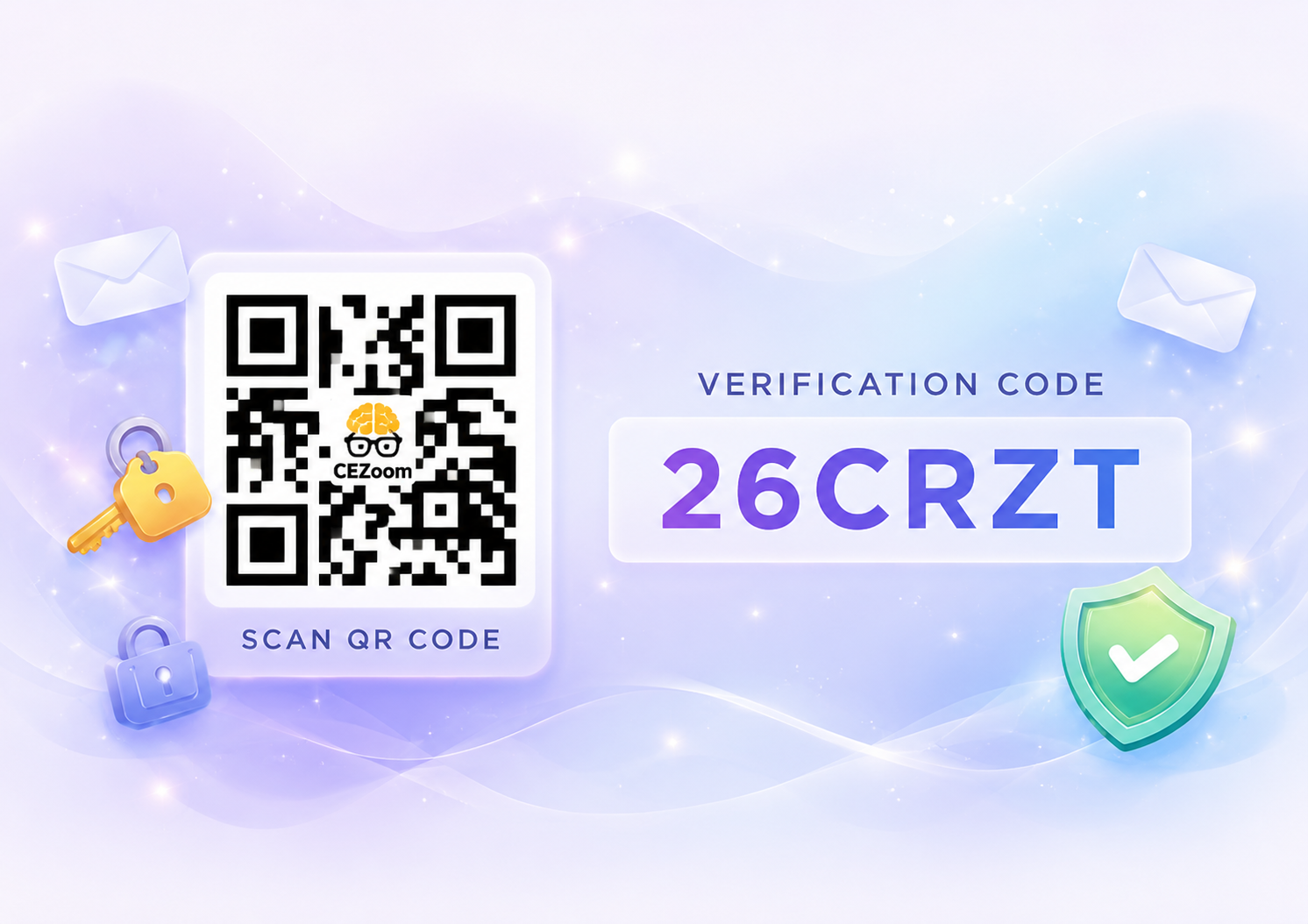
No worries. Scan the QR code, complete sign up, complete your registration, and follow the prompts to verify your attendance and claim CE credit.

Use the unique verification code to claim credit.
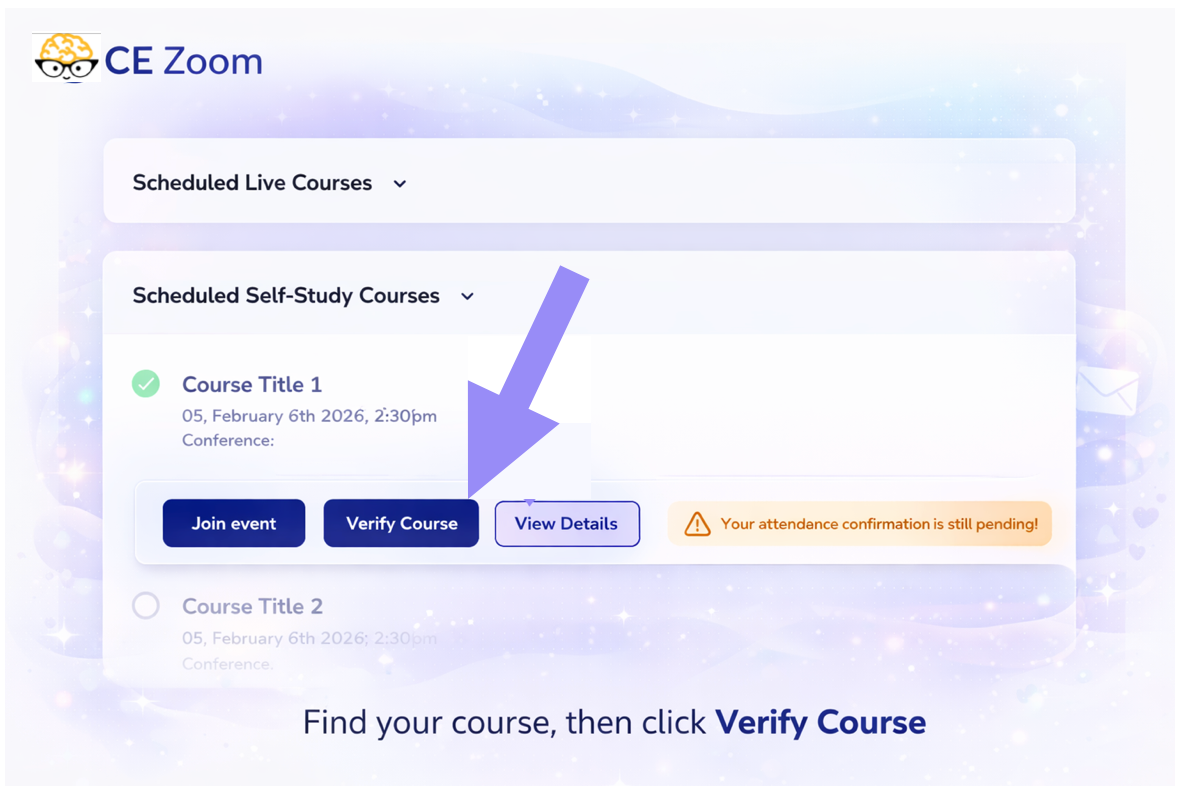
How to Verify

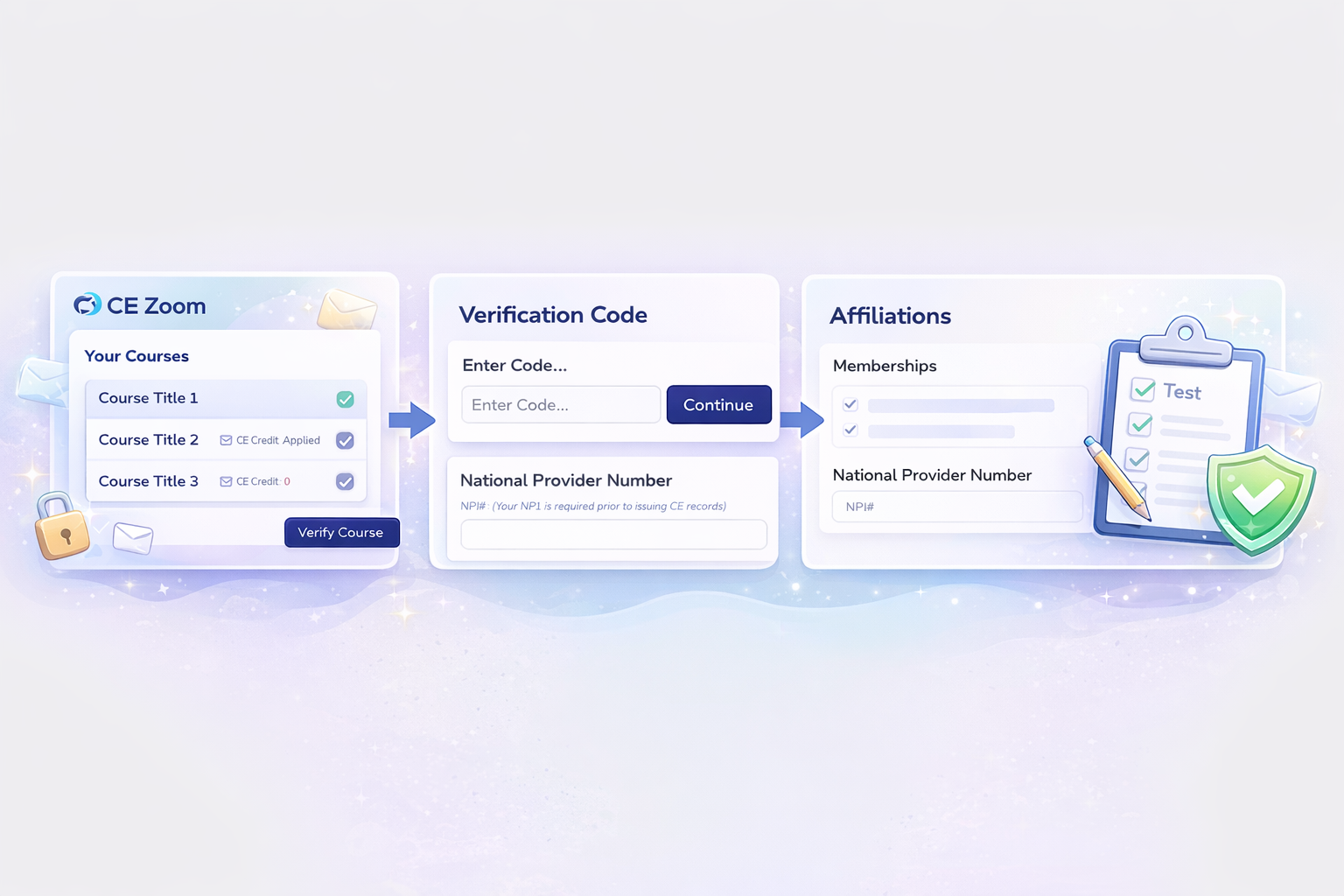
Log in to your CE Zoom account and locate your registered course under Scheduled Courses on your dashboard.
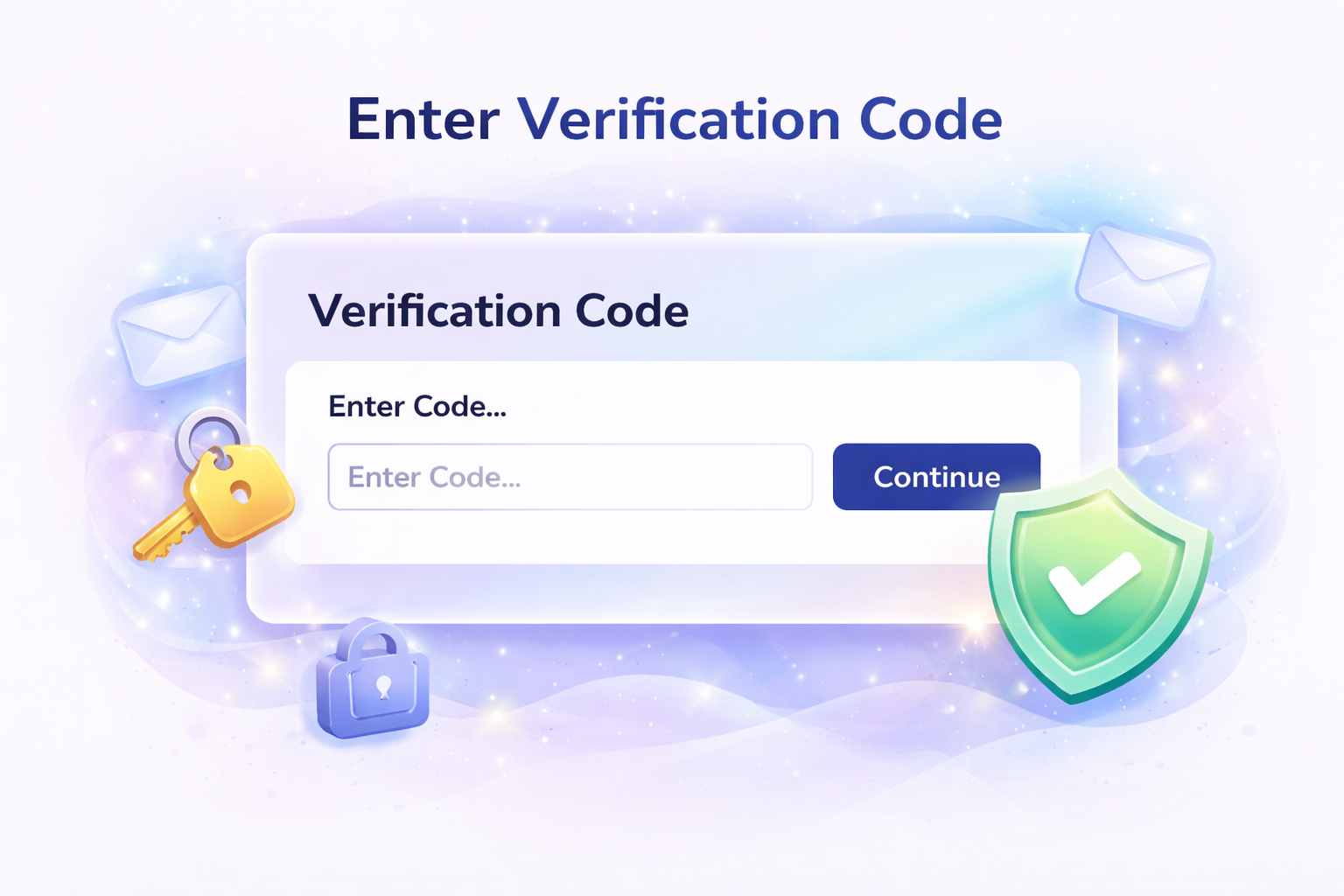
Click Verify Course and enter the case-sensitive code issued at the conclusion of your course session.
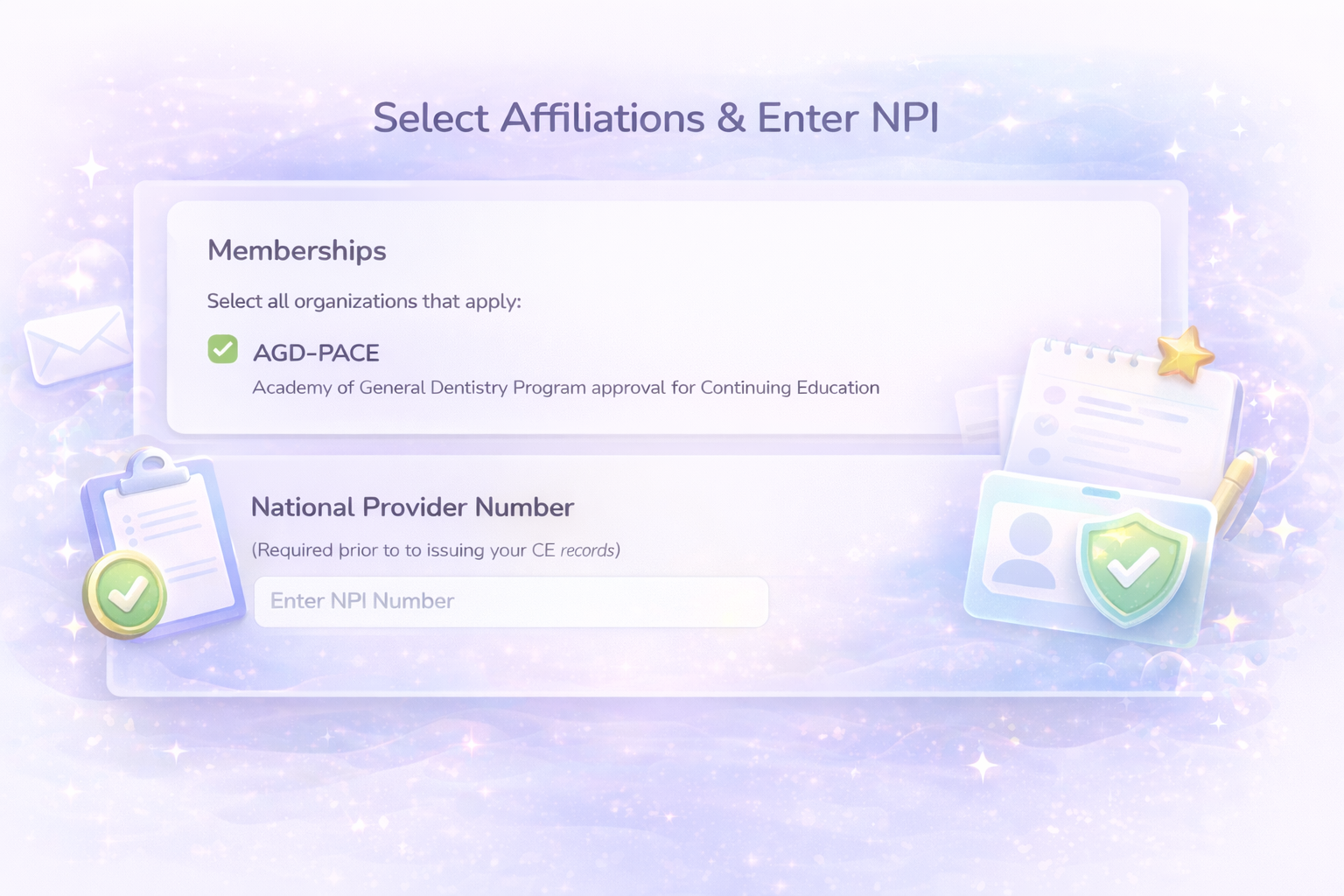
Select your memberships and enter your NPI (if prompted) to ensure your CE is correctly tracked and reported.
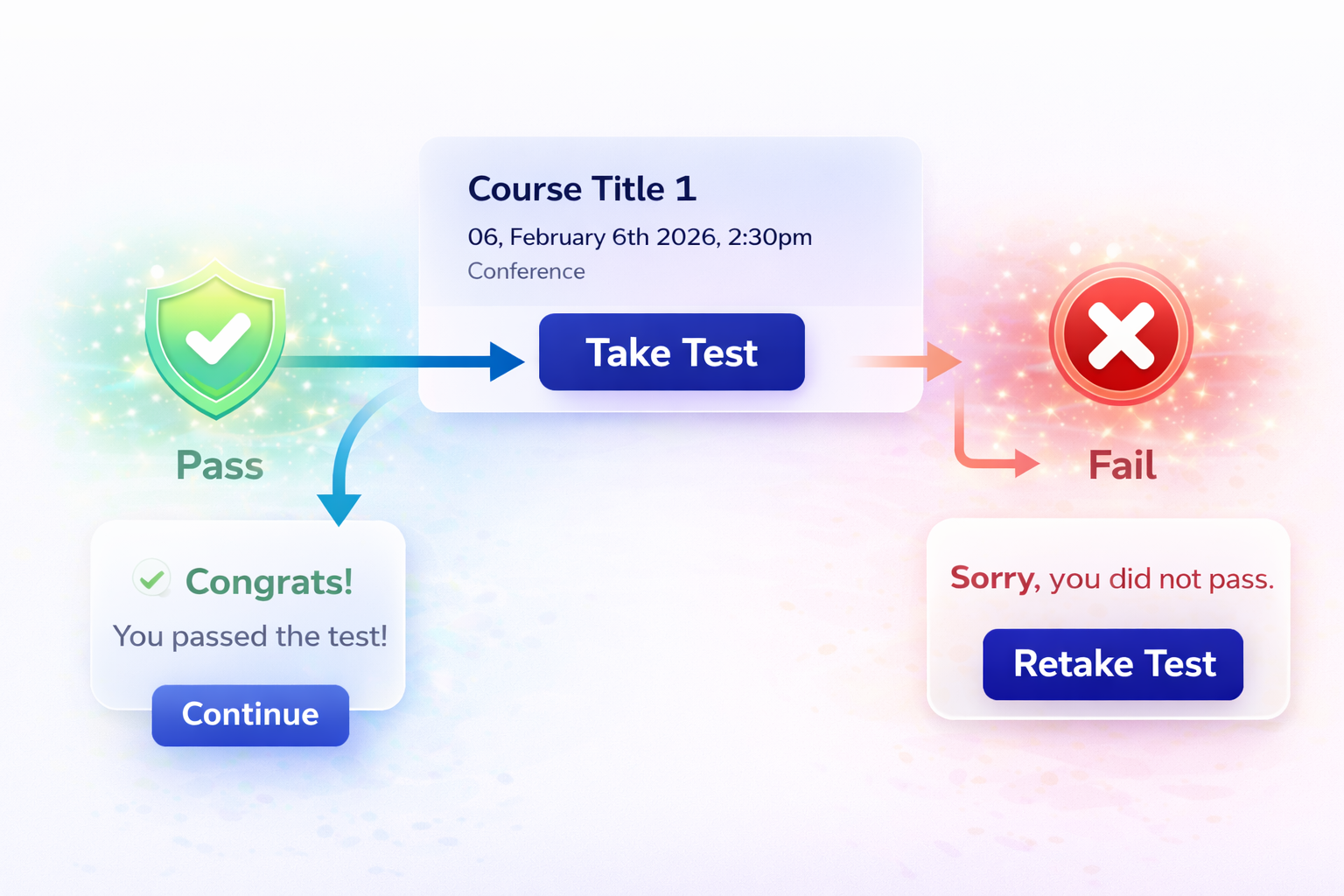
If prompted, complete and pass a test to verify your understanding and meet the CE requirements.
How to take the test during the verification process.
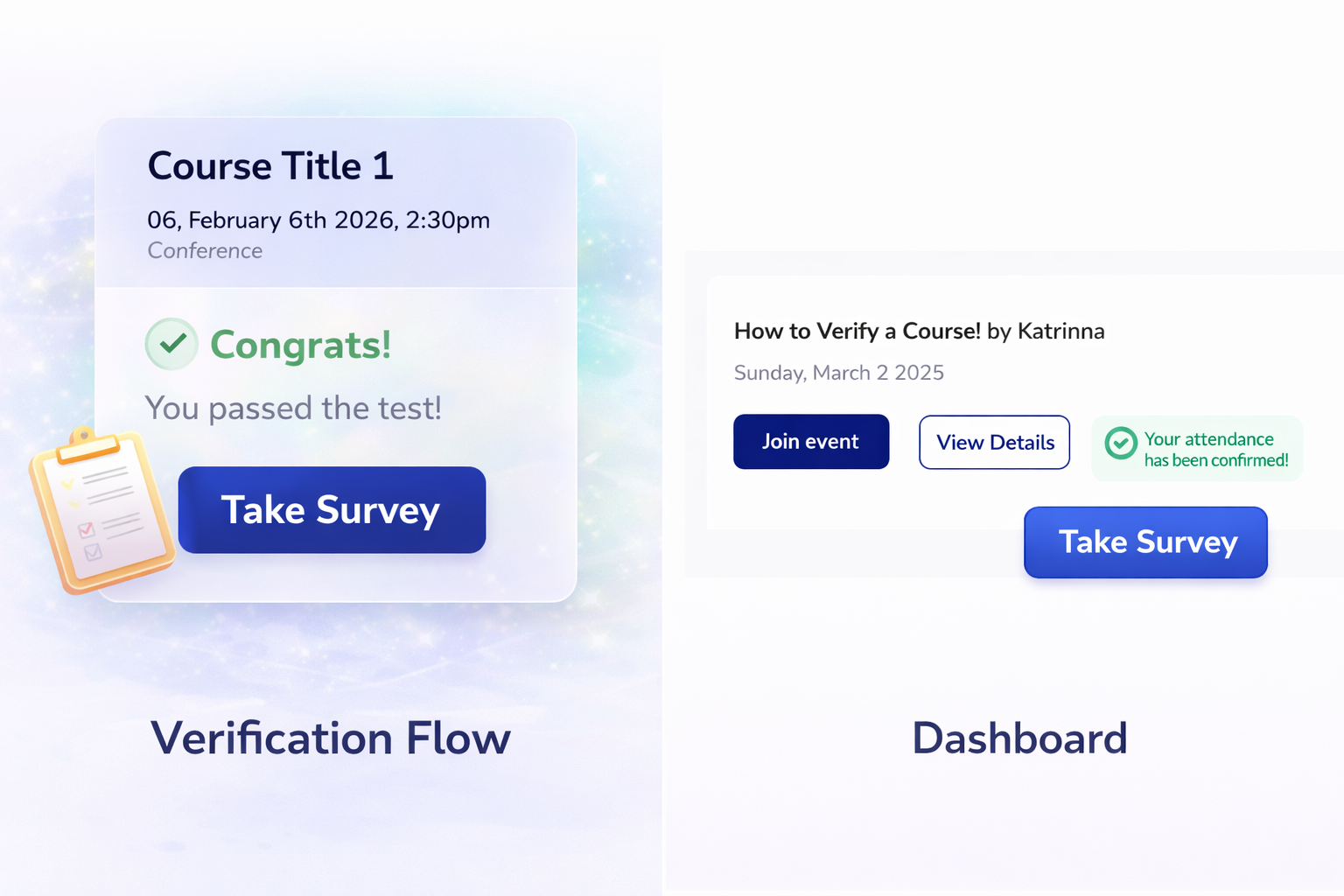
Some surveys are required to receive CE credit. Be sure to complete any prompted surveys to finalize your course and support ongoing course improvement.
How to complete the survey during the verification process.
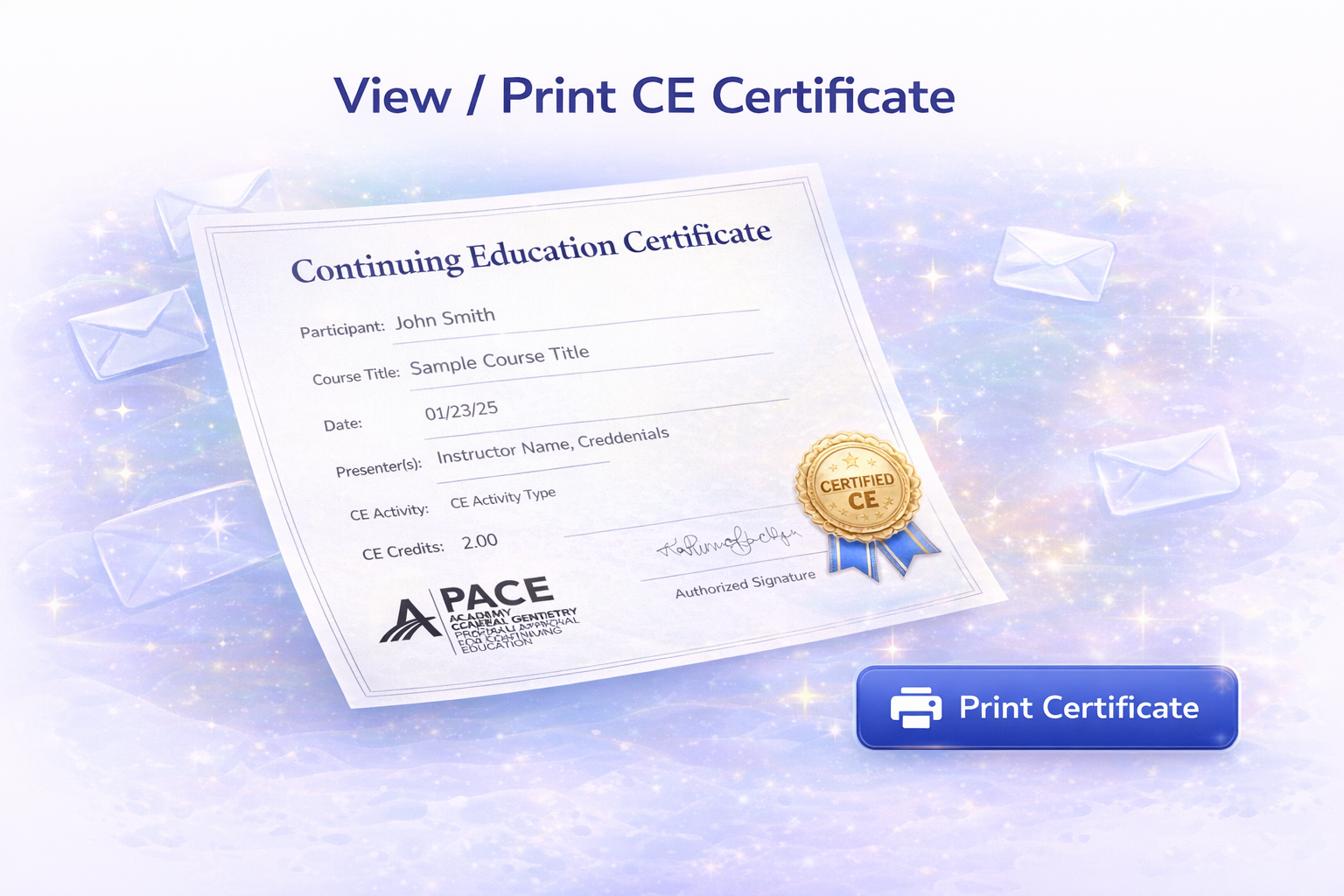
Once you’ve completed the full verification process—including entering your code, passing any required tests, and completing surveys—your CE certificate will be automatically issued to your CE Zoom account, where you can view or print it anytime.
Log in to your CE Zoom account at www.cezoom.com, scroll to Scheduled Courses on your dashboard, locate your course, and click Verify Course. Enter the verification code provided at the end of the course to access your certificate.
How to Verify Knowledge Base Article
If you don't see your course under Scheduled Courses, you likely didn't register for it. You can register for courses that have already ended. For courses before July 15, 2025, access the legacy site. For courses after that date, contact help@cezoom.com for manual migration.
If your license type requires it - Yes, CE Zoom will prompt you to enter your NPI when it's required. Providing false information to avoid entering your NPI is recorded and visible to CE providers and regulating bodies during audits. This requirement supports compliance with the Physician Payments Sunshine Act.
Absolutely. If you choose to complete tests or surveys later, access them anytime from your Dashboard under Scheduled Courses, or from the My Tests and My Surveys sections in the navigation menu. Required surveys must be completed before your certificate is issued.
How to find and take a test
How to find and take a survey
What if my verification code is not working?
If your verification code isn’t working, try the following:
If you’re still having trouble, you may need to contact the offering company. Once they verify your attendance, they can reissue your verification code.
How to find whom to contact:
You can locate the offering company by selecting “View Details” on the course from your dashboard. The course coordinators' and attendance coordinators' emails will be listed at the bottom of the page
Verification codes are not sent via email or text. They are announced live by the presenter or moderator at the conclusion of the course.
If you didn’t receive the code, it likely means one of the following occurred:
How to find whom to contact:
You can locate the offering company by selecting “View Details” on the course from your dashboard. The course coordinators' and attendance coordinators' emails will be listed at the bottom of the page
CE Zoom Platform requires a 2 part authentication prior to any CE certificate being released.
Live Course:
Self-Study:
If any of the above requirements have not been met, a CE Certificate can not be issued. The offering company has the right to mark an attendee "ineligible" if the attendee did not attend, did not attend the event for the minimum time allowance, did not use the correct verification code, did not successfully verify, did not pay fees, or did not pass the test within the minimum allowable attempts.
More info
Once your course has been verified and your CE certificate has been issued, you no longer need to keep your verification code.
Your verification code does not expire. However, CE credit may not be issued indefinitely, as some offering companies set time limits for claiming credit after course completion.
If you are an AGD member, CE completions should be submitted within 30 days of completing the course.
For courses offered by CE Zoom, eligible AGD credits are submitted automatically—even if you verify after 30 days. However, they may be marked as submitted late.
For courses offered by other companies, submission is typically not automated. If you verify your course after the 30-day window, your CE credit may not be submitted to AGD, and you may need to report your completion manually.
To ensure timely and accurate reporting, we recommend verifying your course and claiming your CE credit as soon as possible after completion.