Understanding Your License Manager
Provides an overview of the License Manager page, including its sections, features, and available license management actions

Learn how to...
Explore our video tutorials, FAQs, and support resources
Provides an overview of the License Manager page, including its sections, features, and available license management actions
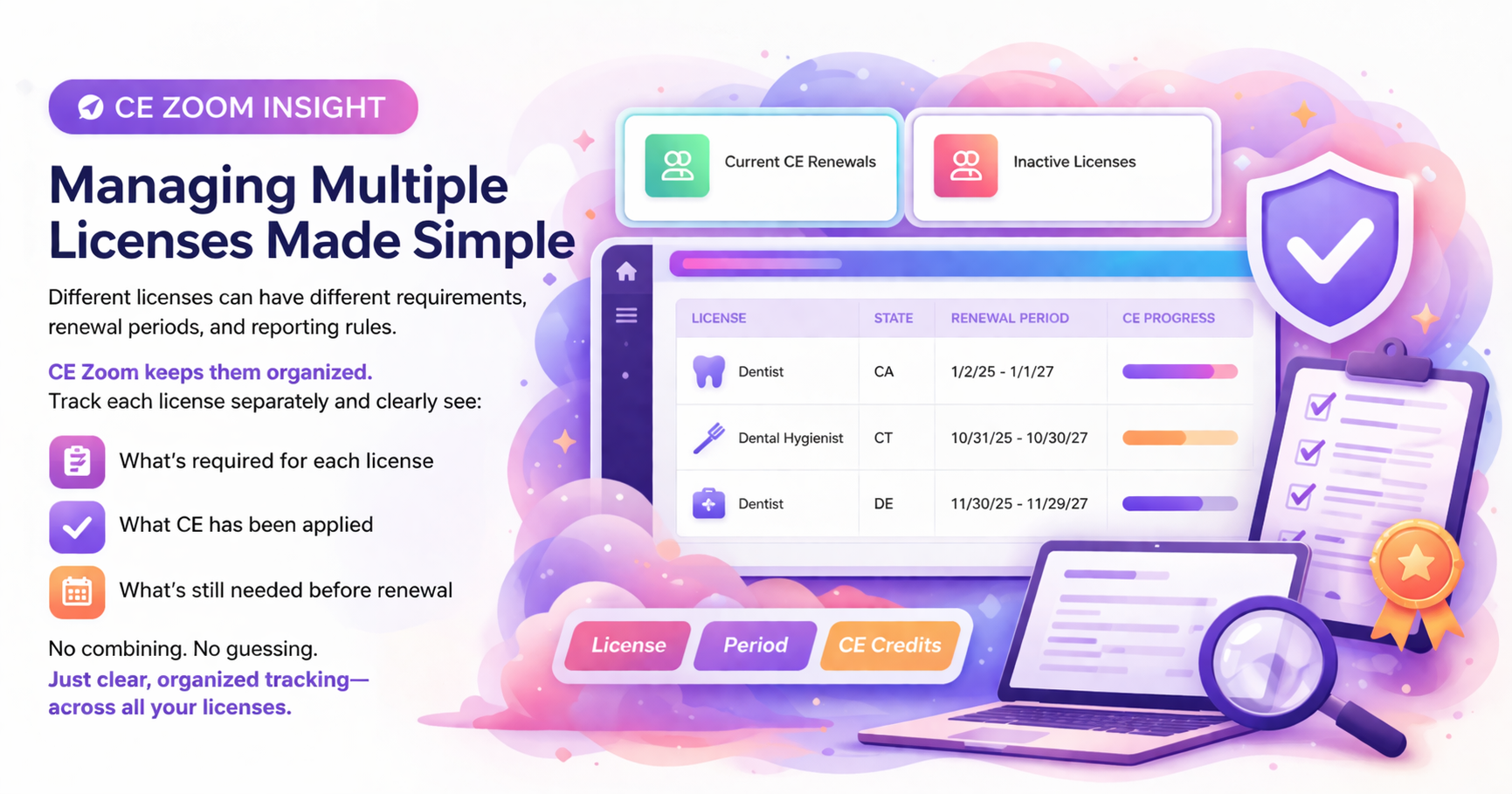
Add all professional licenses you currently hold to begin tracking your CE requirements and renewal periods.
How to Article
Upload a photo or file of your license to keep proof of licensure on record and make it available for employer verification.
How to Article
Update the current renewal period to reflect changes such as a newly issued license, corrected expiration date, or updated renewal cycle.
How to Article
Update past renewal periods to correct historical renewal dates or ensure your CE records accurately reflect the original reporting period.
How to Article
Update your license to reflect your most recent renewal with the state so CE tracking continues in the correct renewal cycle.
How to Article
Mark licenses you no longer hold as inactive so you can focus on managing your active licenses.
How to Article
Video Tutorial (Re-Activating)
Delete licenses that were added by mistake or have no CE history managed on CE Zoom.
How to Article
View your uploaded license documentation to keep proof of licensure readily available for employer verification.”
How to Article
If you're seeing an audit or license period listed as 3/2/1995 to 3/3/1995, it's likely because your license renewal dates were never entered in the legacy system. During the migration to the new platform, placeholder dates were used when no valid license or CE renewal information was available.
→ To fix this, edit your license to correct an error (How to Edit a License Guide)
Yes. Within your account, from Manage Licenses you can edit or delete CE renewal and License periods.
If you had a professional account on our Legacy CE Zoom platform, some licenses or permits may appear on the new platform as "unmatched" or "undefined" as a result of our migration. The new platform consolidated and improved user experiences. Use the link below on how to mange those licenses.
More Info: How to add a license on CE Zoom V2
We diligently took every measure to ensure the data migration from the legacy CE Zoom platform to Version 2 was as complete and accurate as possible. However, we understand that in rare cases, some licenses may not have transferred.
If you notice a missing license, don’t worry — it can still be added, and all associated CE records can be applied to your account.
We’re here to help make sure your account is fully up to date.
Please see the links below on how to update your licenses
More Info: How to add a license
Explore CE Zoom’s Elite Plan to access unlimited Elite CE courses—both live and on-demand—designed to help you complete the courses needed to renew your license while enjoying the full CE Zoom experience for your professional development.
Essential for dental professionals tracking licenses. Includes basic tools to manage your CE requirements and renewal dates.
Perfect for professionals needing a complete license & CE tracking plus easy access to all CE needed to renew your license, including state-required & approved CE courses.
Comprehensive solution for licensed professionals who want unlimited CE courses, complete license management, and the full CE Zoom experience.