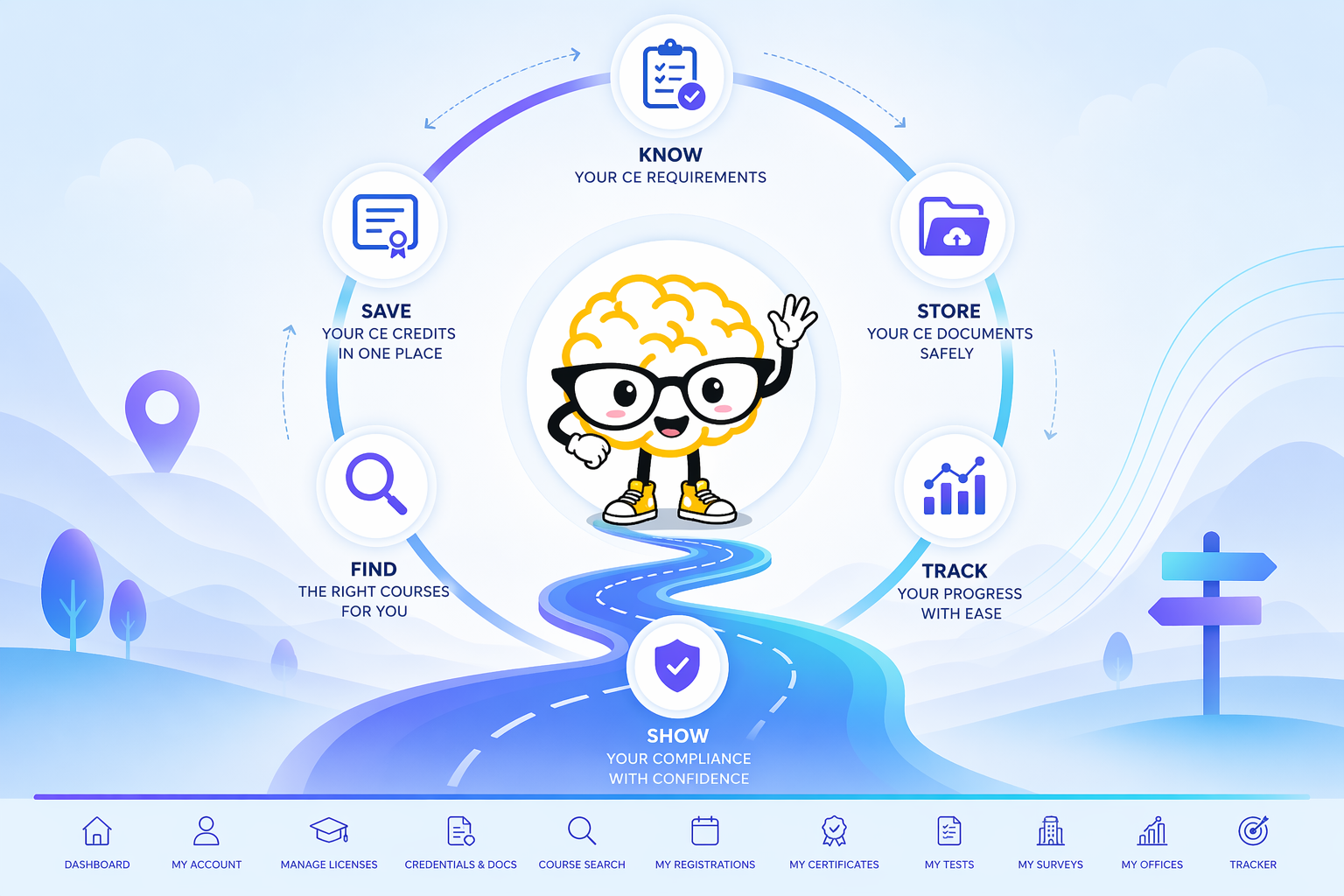

Create Your CE Zoom Account
New to CE Zoom? Create your Professional account to get started and connect with your organization.
How-to Article
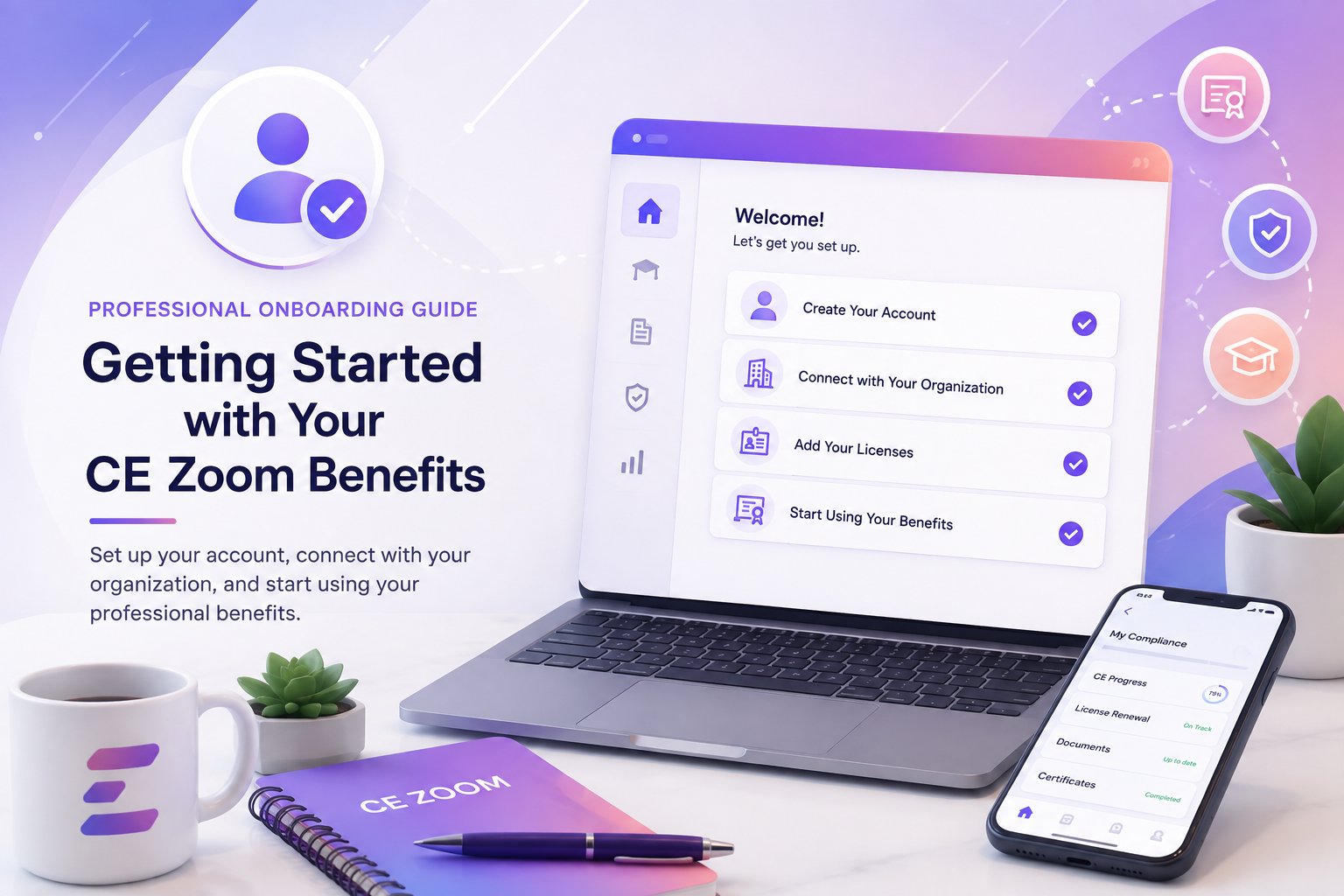
New to CE Zoom? Create your Professional account to get started and connect with your organization.
How-to Article
Already have a CE Zoom account? Review and update your account information before continuing.
Add your professional licenses so CE Zoom can track your renewal requirements and apply your organization’s benefits to the appropriate licenses.
Add and manage important professional credentials and documents, such as DEA registrations, malpractice insurance, radiology badges, and more.

Learn how to find your office and send a connection request so your organization can connect your account and provide your CE Zoom benefits.
Learn how to review and accept a connection request sent by your office so your account can be connected and your CE Zoom benefits applied.